
Integrated image management
Built to keep email production moving, not waiting on assets.
mailCMS gives CRM teams a simple, structured way to manage and use images across email campaigns. No chasing designers for crops. No digging through folders or DAMs. Just the right images, ready to use, exactly when you need them.
Get a demo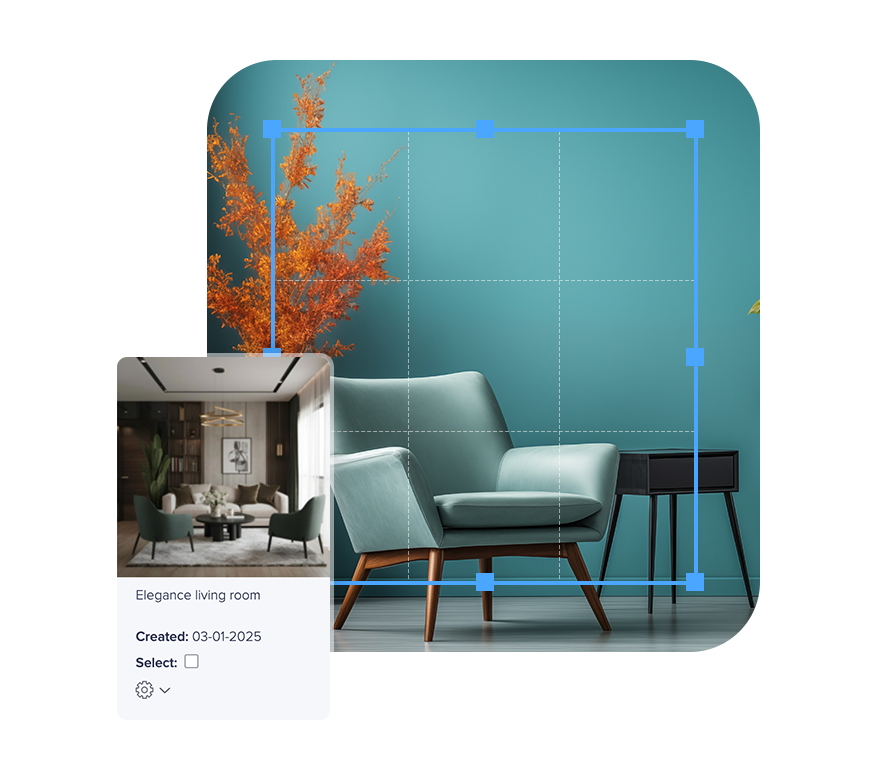
Find, prepare and use images without leaving your workflow
Email images are often where CRM workflows slow down. Assets live in shared drives, inboxes or design tools, and marketers rely on others to prepare them for email.
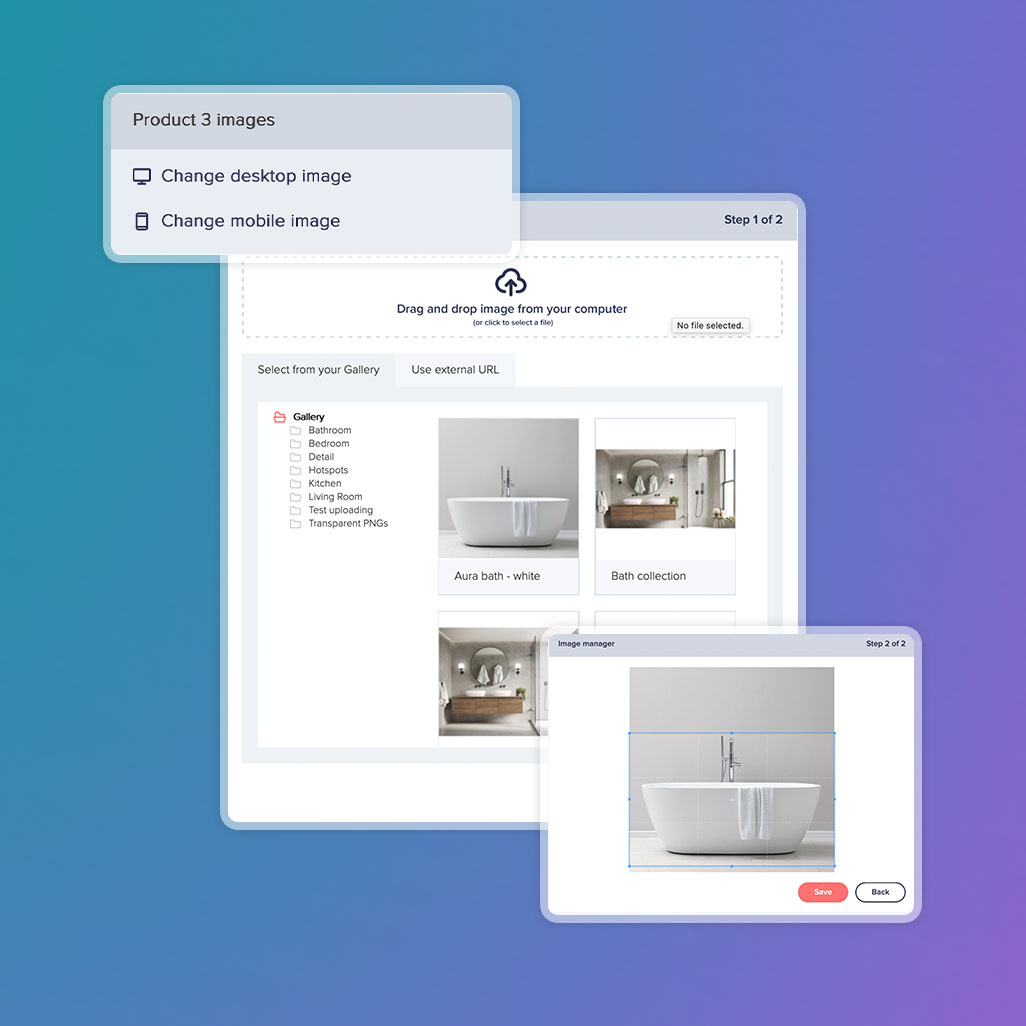
mailCMS brings image management directly into the email build process. Your team can browse approved assets, prepare them for email, and drop them into campaigns in a few clicks, without leaving the editor or breaking brand standards.

Organise images into folders that match campaigns or use cases
Browse and select assets directly while building emails
Keep everything in one place, shared across the team
Want to see how image management fits into your workflow?
We’ll walk through a real email build and show how teams find, prepare and use images without slowing production.
Get a demo
Reduce reliance on design and speed up production
Most CRM teams lose time waiting for image updates, resizing requests or last-minute tweaks. Those small delays add up, especially when teams are working at scale.
mailCMS makes marketers more self-sufficient. Built-in cropping, resizing and optimisation tools mean images are email-ready without needing design support. Campaigns move faster, dependencies are reduced, and teams stay focused on delivery rather than coordination.
A dedicated image library for email teams
Most DAMs are built to serve every channel at once. For CRM teams, that often means wading through irrelevant assets, applying filters, and second-guessing whether an image is suitable for email use.
The mailCMS Gallery is designed specifically for the email channel. It gives CRM teams a clear, shared place to store and organise email-ready images, using folder structures that reflect how campaigns are actually planned. Whether that’s by campaign, category, season or use case, images are easy to find, easy to reuse, and always relevant to email production.

Feature highlights
-
Email-ready image tools
Prepare images for email with built-in cropping, resizing and optimisation, without relying on external design support.
-
Approved assets at your fingertips
Select from shared, approved images without duplicating files or creating one-off versions for individual campaigns.
-
Consistency at scale
Maintain reliable, on-brand image usage across campaigns, templates and teams, even as production volume increases.
Ready to see how mailCMS fits into your email production workflow?
Book a friendly, no-pressure walkthrough tailored to your team. We’ll look at how you build emails today and share practical ways to reduce friction and speed things up, whether or not you choose mailCMS.
Get a demo