
Re-usable content snippets
Save, organise, and reuse email content without losing flexibility.
mailCMS lets CRM teams capture individual modules or entire sections from campaigns and store them in a central Library. Snippets can be grouped, organised, and dropped into new emails, giving teams a fast, consistent way to build campaigns while keeping the original content intact.
Get a demo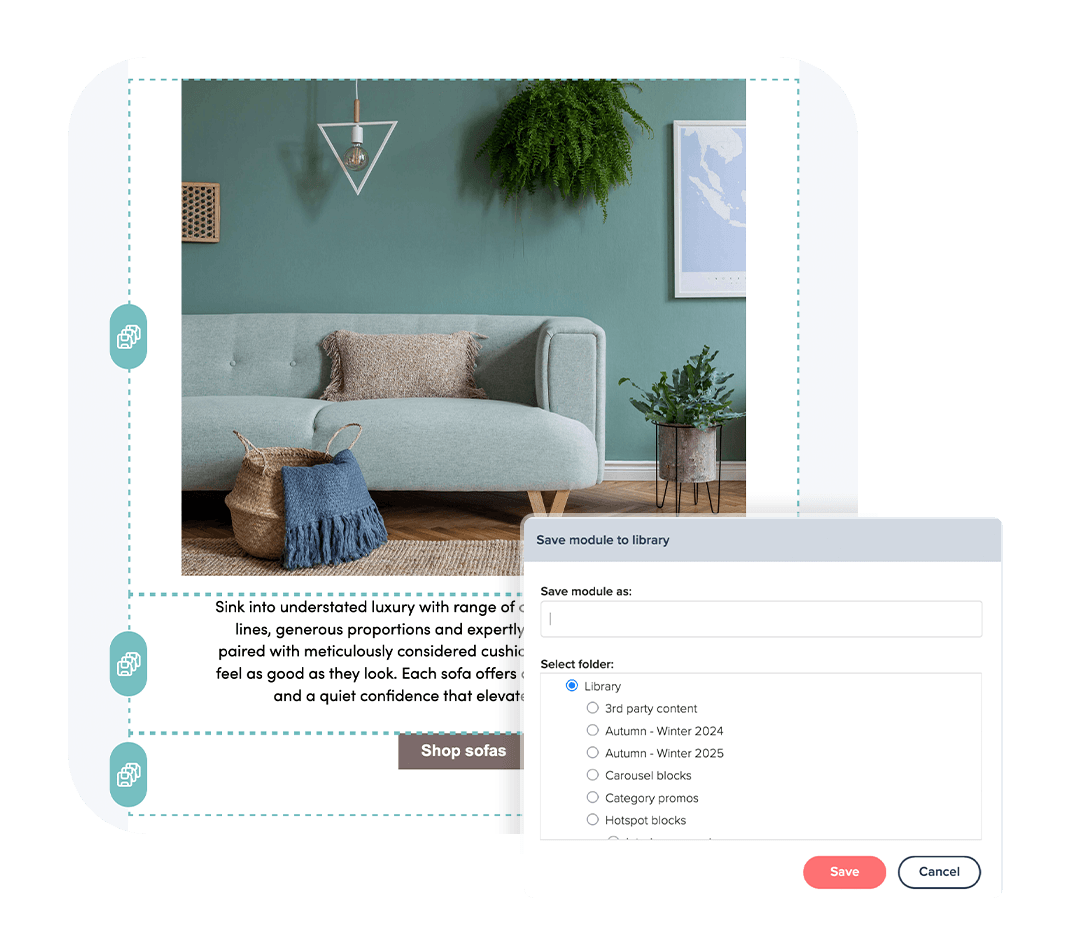
Capture and store content as you work
Email production often involves repeating the same blocks of content across campaigns, from disclaimers and CTAs to hero sections and product grids. Recreating these manually slows teams down and increases the risk of inconsistency.
With mailCMS, any module or section can be saved directly to the Library during the build. Teams can group modules together, create nested folder structures that match campaigns, categories, or internal workflows, and access them whenever they are needed. Snippets become instantly reusable assets, making future campaigns faster to assemble without losing control over brand standards.

Save individual modules or entire sections from your campaigns
Organise snippets in a folder system that suits your workflow
Drop snippets into new emails while keeping the originals intact
Want to see how reusable snippets fit into your workflow?
We’ll walk through a campaign in mailCMS and show how snippets make reuse fast, flexible, and effortless.
Get a demo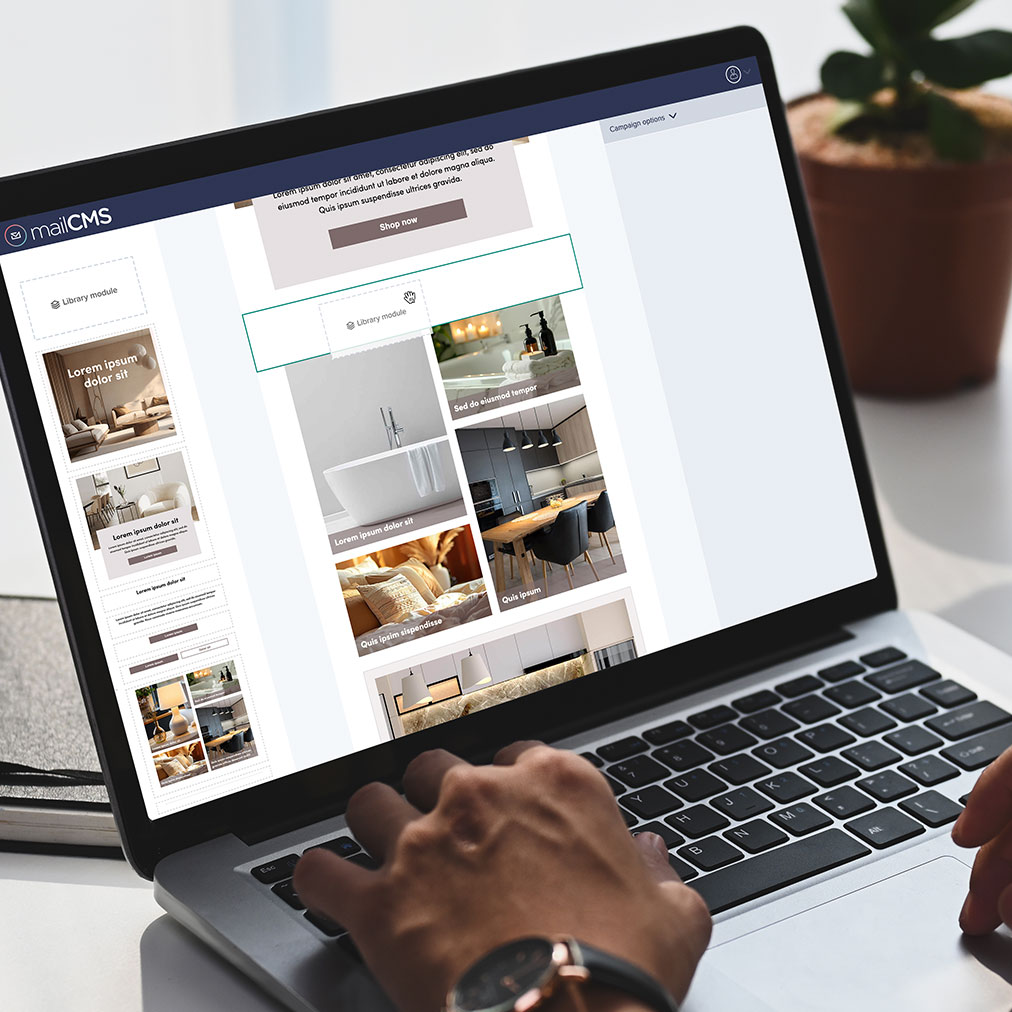
Scale your content, not your effort
Once saved, Library snippets can be dropped into new emails with a single click. Each insertion creates a fresh instance that can be edited for context, while the original snippet remains unchanged. This ensures teams can move quickly and consistently, applying proven content across campaigns while maintaining flexibility for campaign-specific adjustments.
mailCMS makes it simple for teams of any size to work efficiently. Smaller teams can leverage ready-made modules to reduce duplication and speed up production. Larger teams can maintain control and consistency across multiple users, regions, or brands.
Feature highlights
-
Save modules and sections
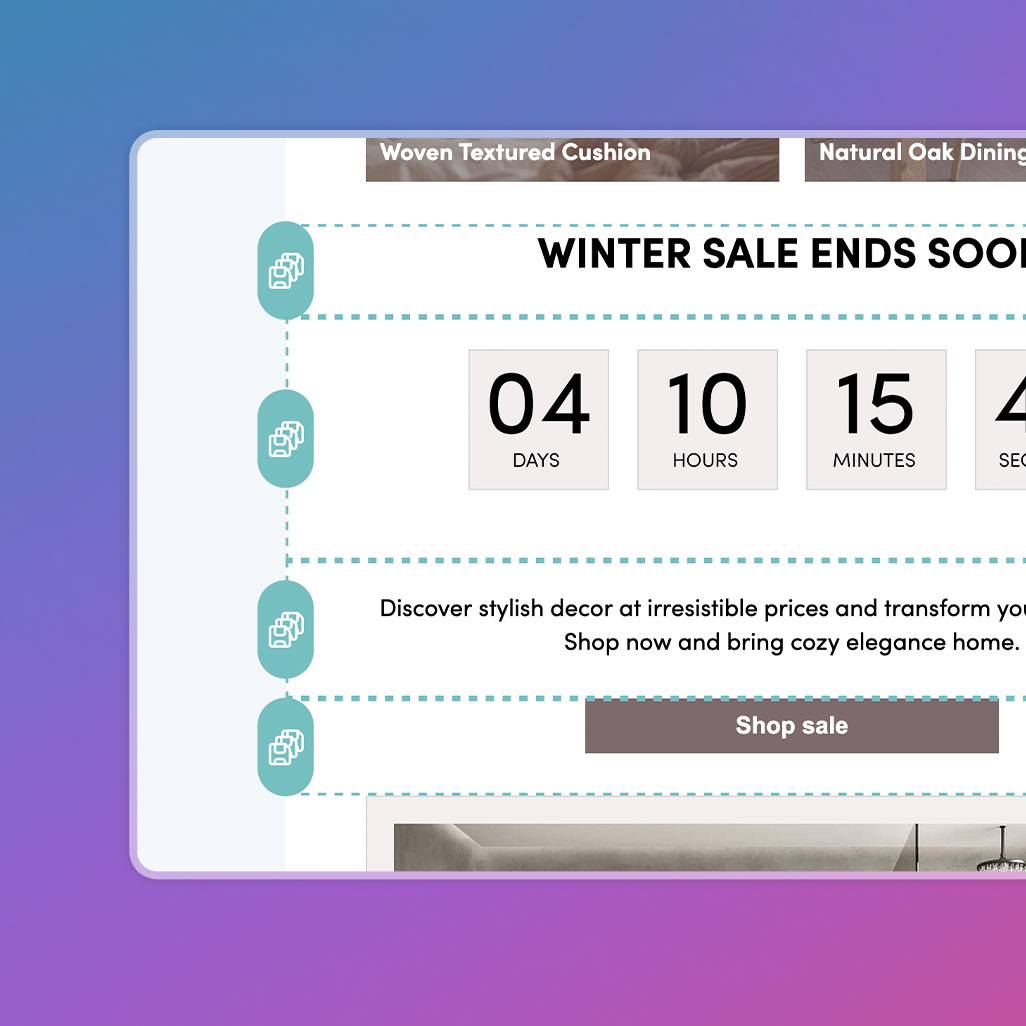
Capture individual modules or grouped sections directly from the campaign you are building, turning them into reusable snippets.
-
Flexible organisation
Create a nested folder structure that reflects your campaigns, categories, or internal workflows, keeping assets easy to find and use.
-
Edit while preserving originals
Drag a snippet into a new email to create a fresh, editable instance without altering the original stored in the Library.
Ready to see how mailCMS fits into your email production workflow?
Book a friendly, no-pressure walkthrough tailored to your team. We’ll look at how you build emails today and share practical ways to reduce friction and speed things up, whether or not you choose mailCMS.
Get a demo